Build 2D & 3D games in Kotlin.
LittleKt is a free, open-source game framework built on WebGPU. Write your game once and ship it to Windows, macOS, Linux and the web.
implementation("com.littlekt:core:0.11.0")
class MyGame(context: Context) : ContextListener(context) {
    override suspend fun Context.start() {
        val logo = resourcesVfs["logo.png"].readTexture()
        val format = graphics.preferredFormat
        val batch = SpriteBatch(graphics.device, graphics, format)
        val camera = OrthographicCamera(960, 540)
        val clear = Color.BLACK

        onUpdate {
            renderFrame { frame, encoder ->
                val pass = encoder.beginRenderPass(
                    RenderPassDescriptor(colorAttachment(frame, clear))
                )
                camera.update()
                batch.begin()
                batch.draw(logo, 50f, 50f)
                batch.flush(pass, camera.viewProjection)
                batch.end()
                pass.end()
            }
        }
    }
}- Windows
- macOS
- Linux
- Web
- Kotlin/JVM
- Kotlin/JS
- Kotlin/Wasm
Made with LittleKt
Rendered in real time in the browser by the examples that ship with the framework.
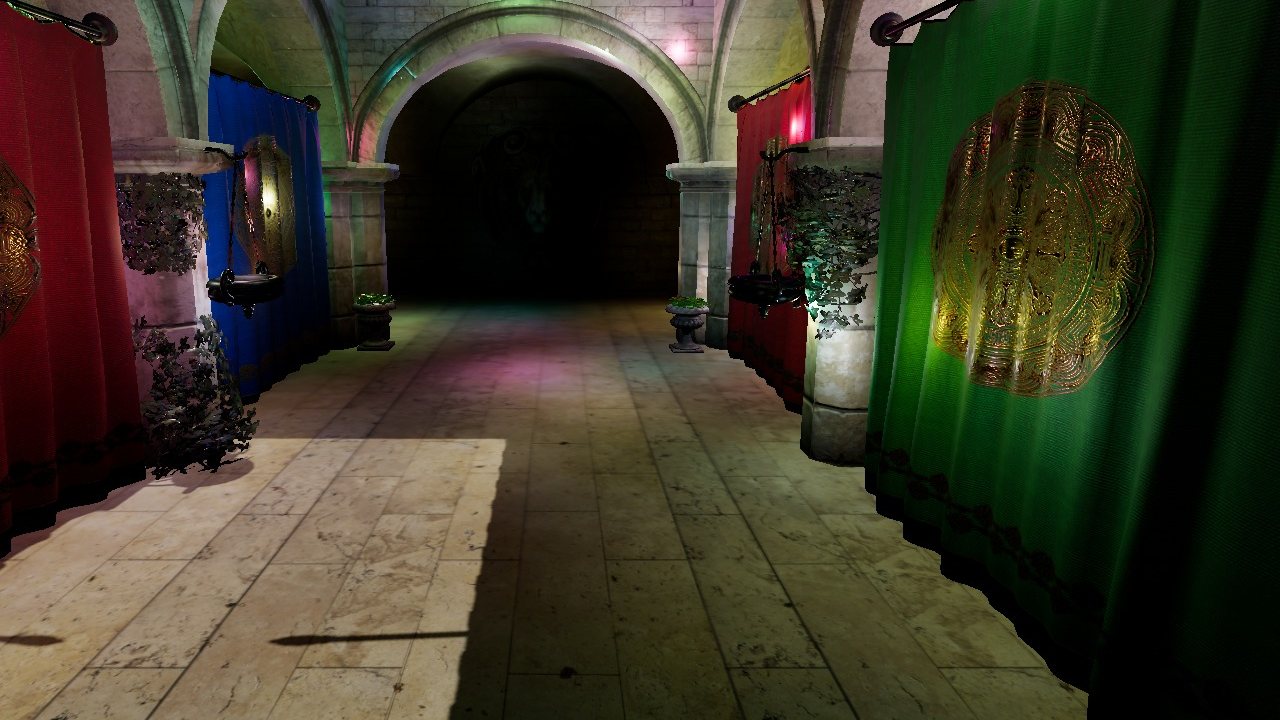 PBR & shadows Sponza with cascaded shadows, point lights & ACES tonemapping
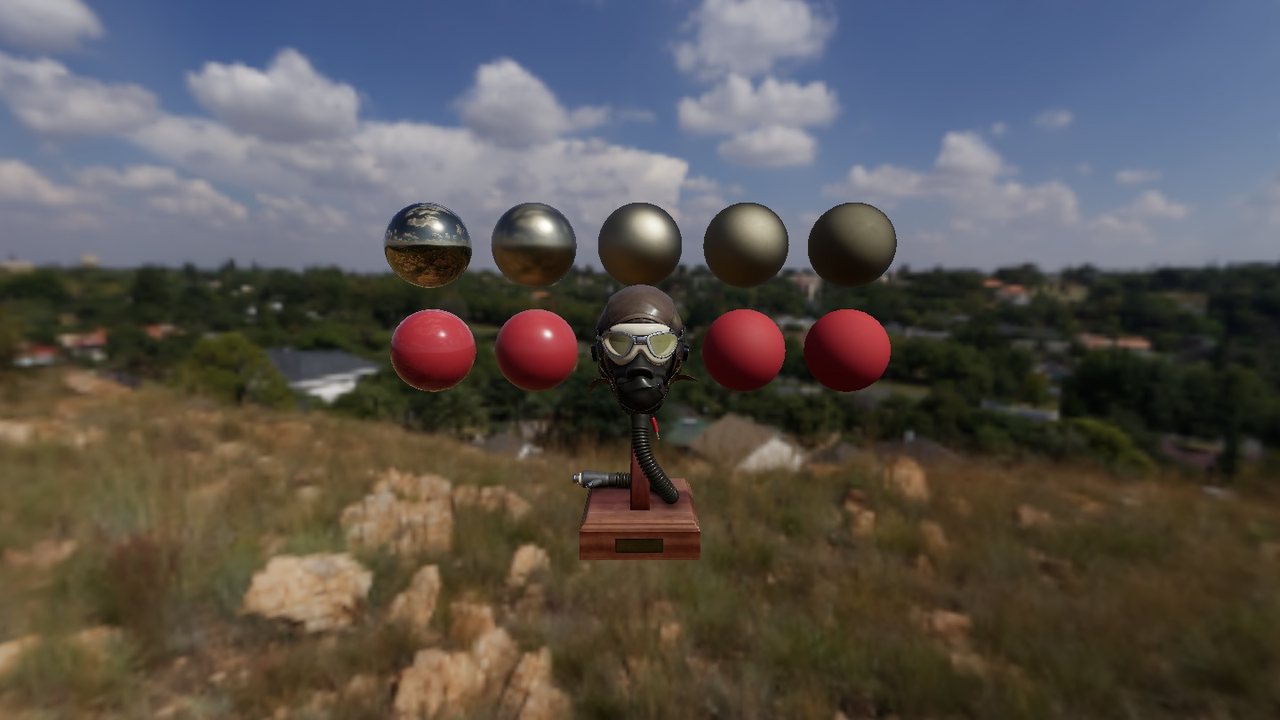 Image based lighting HDR environment maps & skyboxes
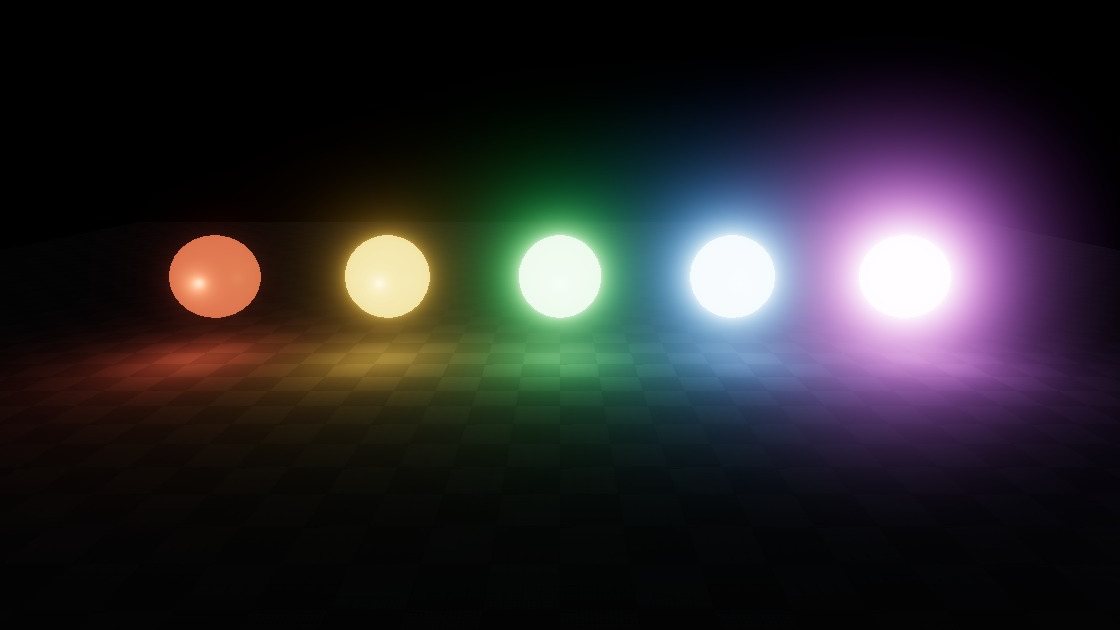 HDR bloom Glowing emissive materials
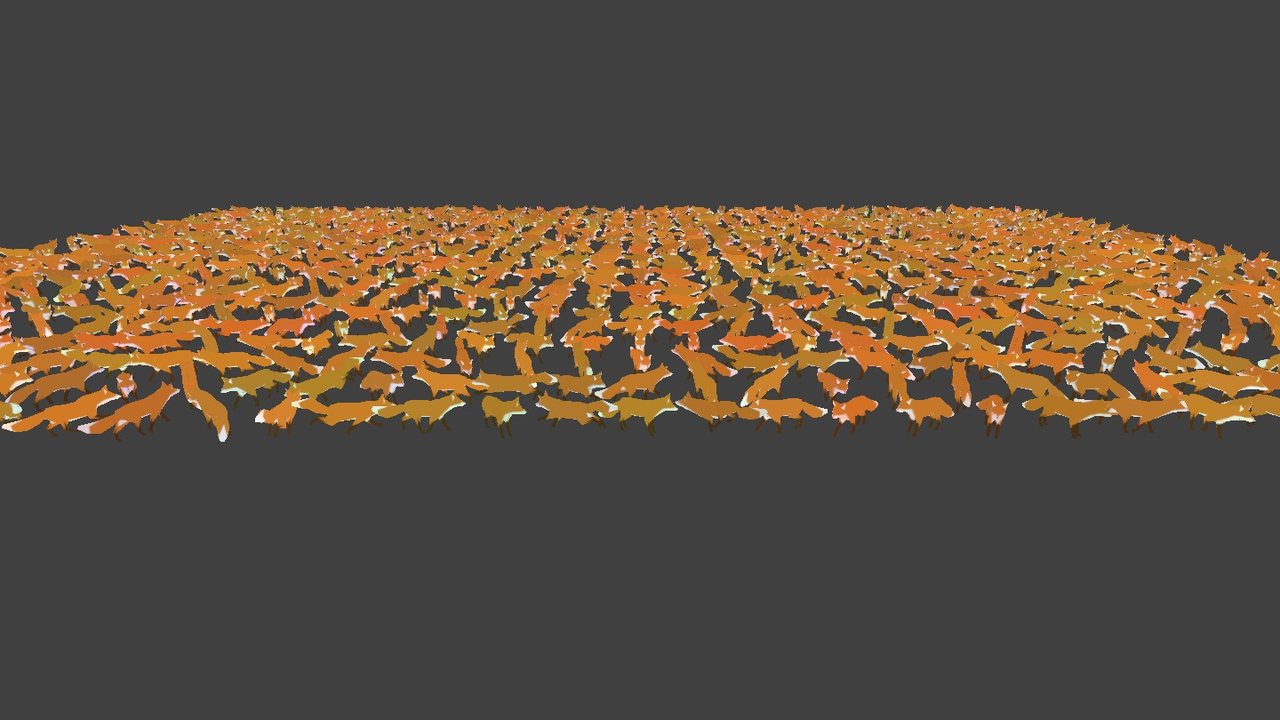 Skinned instancing Thousands of animated models in one draw call
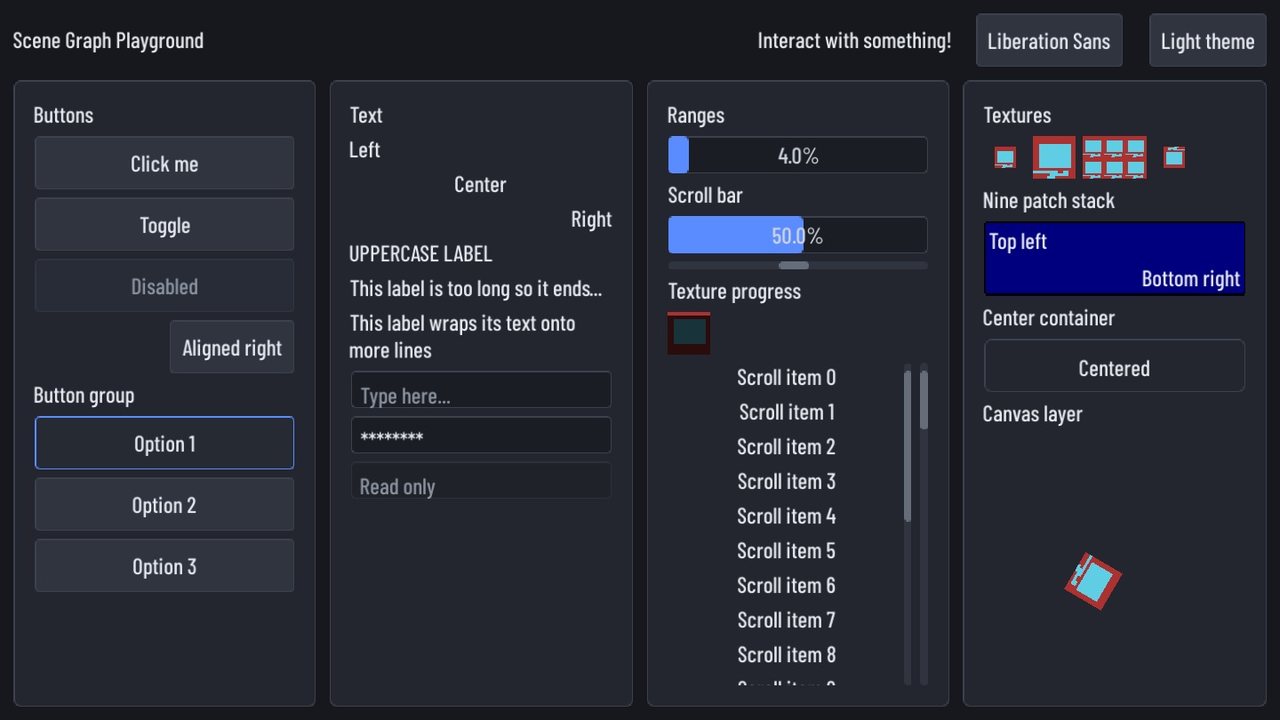 Scene graph UI Every built-in control with the default theme
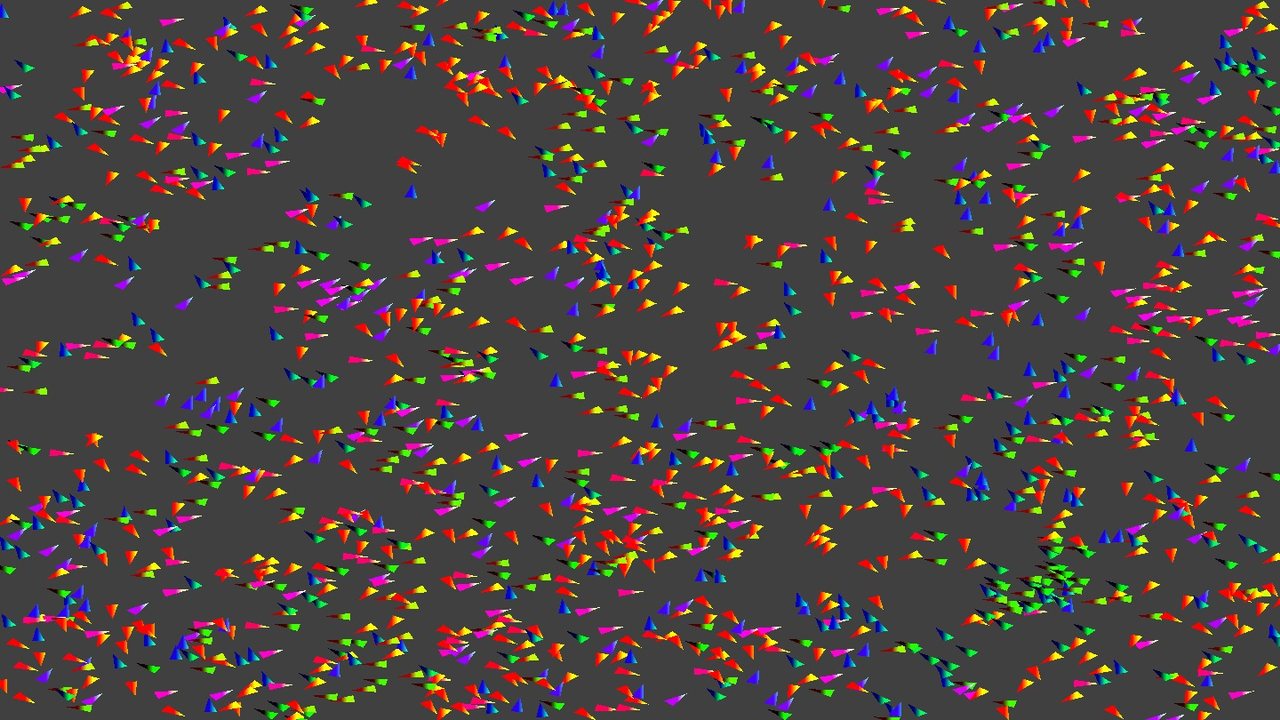 Compute shaders Boids simulated on the GPU
Everything you need to make a game
High-level tools for the common things, with full access to the GPU for everything else.
WebGPU at the core
A modern GPU API on desktop and web, with full access when you need it.
2D toolkit
Sprites, atlases, shapes, particles and animations, ready to go.
3D rendering
glTF, PBR, shadows, image based lighting, HDR and bloom.
Text and fonts
TrueType, MSDF and bitmap fonts that stay sharp at any size.
Scene graph and UI
A node tree with signals, plus a full UI toolkit with modifiers and themes.
Tilemaps
First-class LDtk and Tiled support.
Audio
Clips, streaming and output device control.
Input
Keyboard, mouse, gamepads, gestures and bindings.
Windows and displays
Window modes, monitors and crisp high DPI rendering.
Assets and files
A virtual file system with async asset loading.
Tools
Pack textures into atlases at build time with a Gradle plugin.
Math
Vectors, matrices, quaternions and geometry.
Simple code, no boilerplate
Coroutines for loading, DSLs for building scenes and extension functions everywhere. LittleKt feels like Kotlin, not a port of something else.
- Load assets with
suspendfunctions - Build UIs with a Compose-style DSL
- Drop down to raw WebGPU any time
val atlas = resourcesVfs["tiles.atlas.json"].readAtlas()
val hero = atlas["hero"].slice

onUpdate { dt ->
    renderFrame { frame, encoder ->
        val pass = encoder.beginRenderPass(
            RenderPassDescriptor(colorAttachment(frame, Color.BLACK))
        )
        batch.begin()
        batch.draw(hero, x, y, rotation = angle)
        batch.flush(pass, camera.viewProjection)
        batch.end()
        pass.end()
    }
}
val fox = resourcesVfs["models/Fox.glb"].readGltfModel(
config = GltfLoaderPbrConfig(GltfModelConfig(skinned = true))
)
fox.enableAnimation(1)
val environment = PBREnvironment(device).apply {
val sun = DirectionalLight(direction = Vec3f(0.3f, 0.5f, 0.8f))
setDirectionalLight(sun)
}
onUpdate { dt ->
fox.update(dt)
renderFrame { frame, encoder ->
val pass = encoder.beginRenderPass(
RenderPassDescriptor(
colorAttachment(frame, Color.DARK_GRAY),
depthStencilAttachment = depthTarget.depthAttachment(),
)
)
modelBatch.render(fox, camera, environment)
modelBatch.flush(pass, camera, dt)
pass.end()
}
}val graph = sceneGraph(this, ExtendViewport(960, 540)) {
centerContainer(Modifier.fillParent()) {
column {
separation = 10
label("Little Adventure")
button("Play") {
onPressed += { startGame() }
}
button("Quit") {
onPressed += { context.close() }
}
}
}
}.also { it.initialize() }A framework, not an engine
Inspired by libGDX and KorGE. You stay in control of your game loop, your code and your architecture.
Free forever
Apache 2.0 licensed. No fees, no royalties and no splash screens. What you build is yours.
Build your own engine
Use only what you need. Every layer is open, from the scene graph down to the GPU device.
One codebase
Share your game code across desktop and web with Kotlin Multiplatform.
Start building today
Grab the starter template and have a window on screen in minutes.